
Screenshots
Description
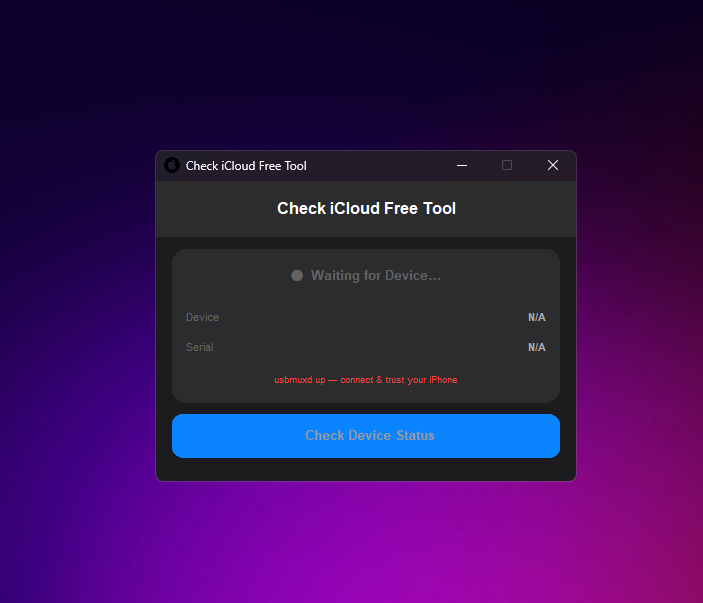
Download Check iCloud Free Tool, the essential software for every Apple user and technician. This free Windows utility provides an instant, comprehensive report on any Apple device's iCloud status. Before buying a used iPhone, use this tool to verify if the device is in 'Clean' or 'Lost' mode to protect your investment.
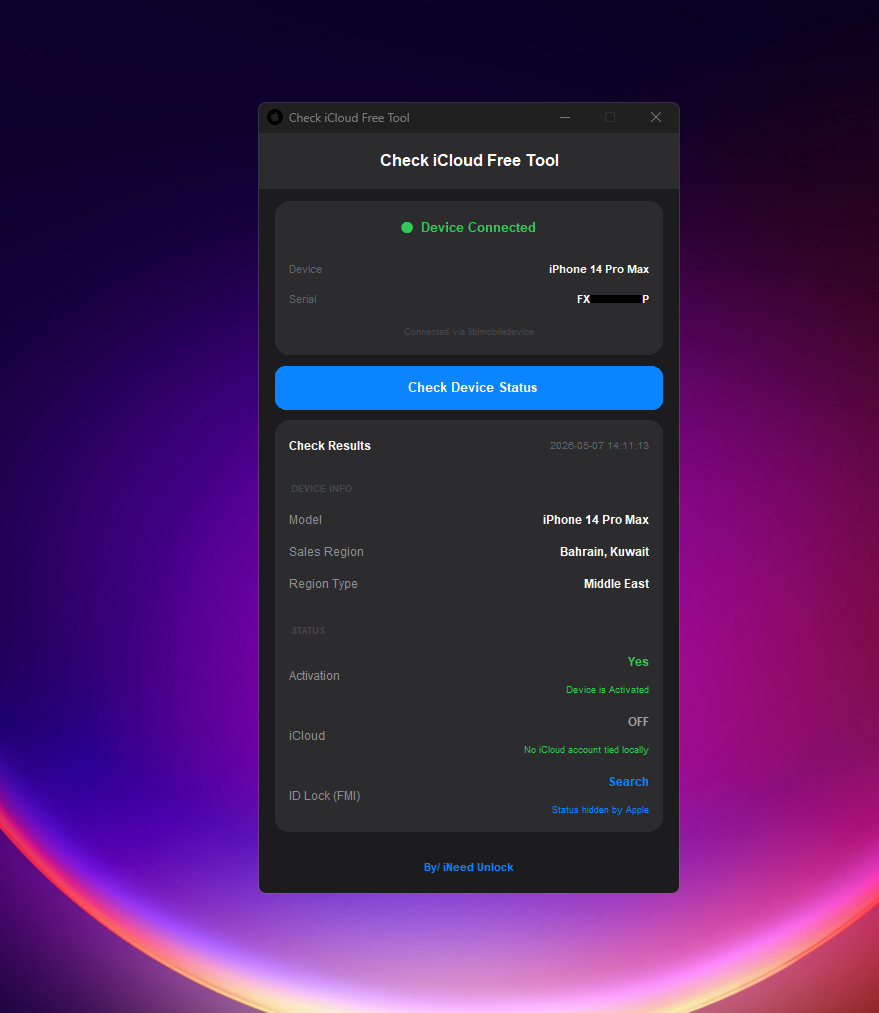
Our service supports a deep dive into Apple's database, revealing the Sales Region (e.g., Middle East, Bahrain, Kuwait), Find My iPhone (FMI) status, and Carrier Lock information. It is the perfect choice for users searching for: free iCloud IMEI check service, check iPhone lost mode status, verify activation lock, and free Apple blacklist checker. Avoid scams and ensure your device is 100% legitimate with a single click.
Features
- Real-time iCloud Status Check (Clean/Locked/Lost)
- Instant Find My iPhone (FMI) Status Verification
- Comprehensive Sales Region & Region Type Detection
- Carrier Lock & Sim-Lock Status Identification
- Device Blacklist & GSMA Status Reporting
- Support for iPhone, iPad, and Apple Watch
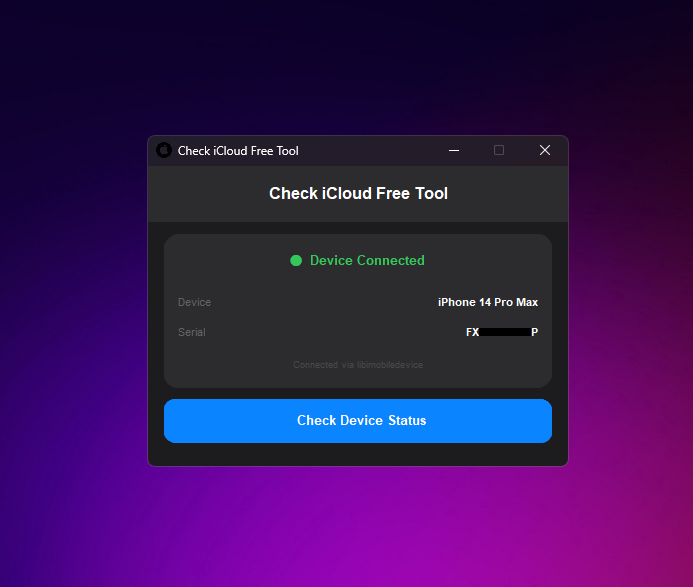
- Automatic Device Recognition via USB
- No IMEI manual entry required - Auto-fetch Serial/IMEI
- 100% Free to use for all Windows users
- Prevents buying stolen or blacklisted devices