
Screenshots
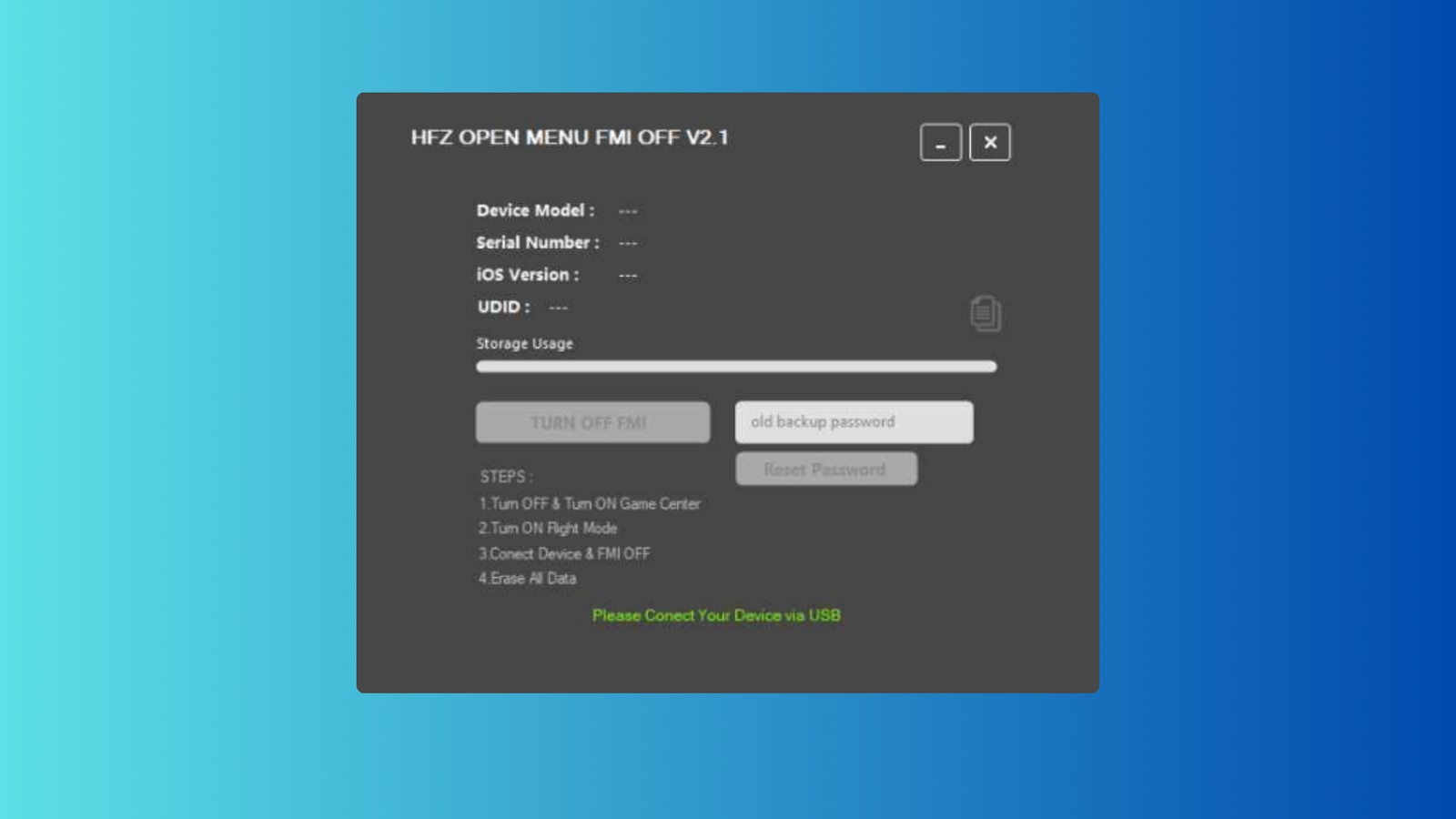
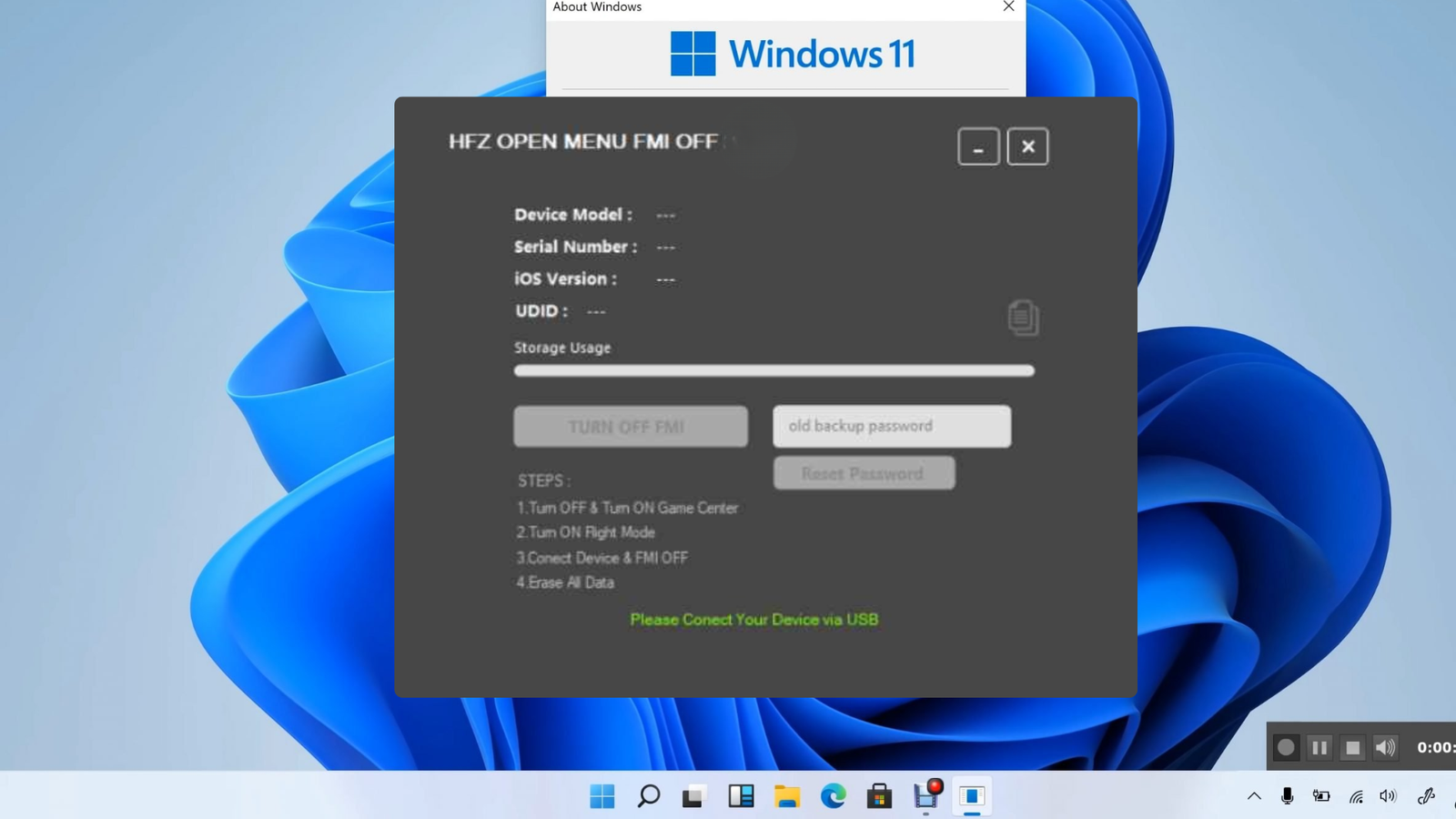
Description
Download HFZ Open Menu Windows Tool latest version, the most effective professional software for permanently disabling Find My iPhone (FMI OFF) on supported Apple devices. This tool is specifically engineered for 'Open Menu' devices—iPhones and iPads where you have access to the home screen and settings but don't know the Apple ID password. By leveraging advanced server-side communication, HFZ Open Menu allows you to remove the existing iCloud account and turn off FMI without needing the original owner's credentials.
This high-performance tool supports an incredible range of devices, from the iPhone 5S all the way to the latest iPhone 16 Pro Max, and is compatible with any iOS version currently available. Whether you are dealing with a device that has 'Media & Purchases' access or simply need a fast way to clear an activation lock before it happens, HFZ Open Menu provides a stable and reliable solution. It is optimized for Windows 10 and 11, ensuring a smooth experience for technicians worldwide. It is the top choice for users searching for: Open Menu FMI OFF tool, remove iCloud without password, iPhone 16 Pro Max FMI OFF, permanent iCloud removal software, and professional Apple ID unlock tools for Windows.
Features
- Permanent FMI OFF without Apple ID password
- Supports all iPhone models from 5S up to 16 Pro Max
- Compatible with all iPad models and generations
- Works on any iOS version (Full Compatibility)
- Specifically designed for Open Menu / Settings Access devices
- Fast and secure server-side FMI removal process
- No Jailbreak required for most operations
- Lightweight and user-friendly Windows interface
- High success rate for devices with Media & Purchases access
- Essential tool for pre-owned iPhone resellers and technicians